
PSU Quick Picks
3 Steps for Choosing the Right PSU
Calculate Your Power Requirement
Before selecting a power supply, calculate the total wattage your gaming PC needs. You can estimate this by adding your PC components into a power calculator or checking your GPU manufacturer’s recommended PSU wattage. For better stability and future upgrades, adding extra wattage headroom is always recommended for gaming PCs and high-performance systems.
Choose the Right PSU Quality Tier
Not all power supplies deliver the same reliability and performance. Entry-level gaming PCs can work well with budget-friendly PSUs, while mid-range and high-end gaming systems should use higher quality units with better efficiency, cooling, and long-term stability. Choosing a trusted PSU helps protect expensive hardware components and ensures stable gaming performance.
Check Compatibility & Features
Make sure your PSU has the correct connectors for your GPU and motherboard to avoid compatibility issues. Choose a modular type based on your needs: non-modular is cheaper but messy, semi-modular offers a balance, and fully modular gives the cleanest cable management. Also confirm the right form factor like ATX or SFX according to your PC case size and build requirements.
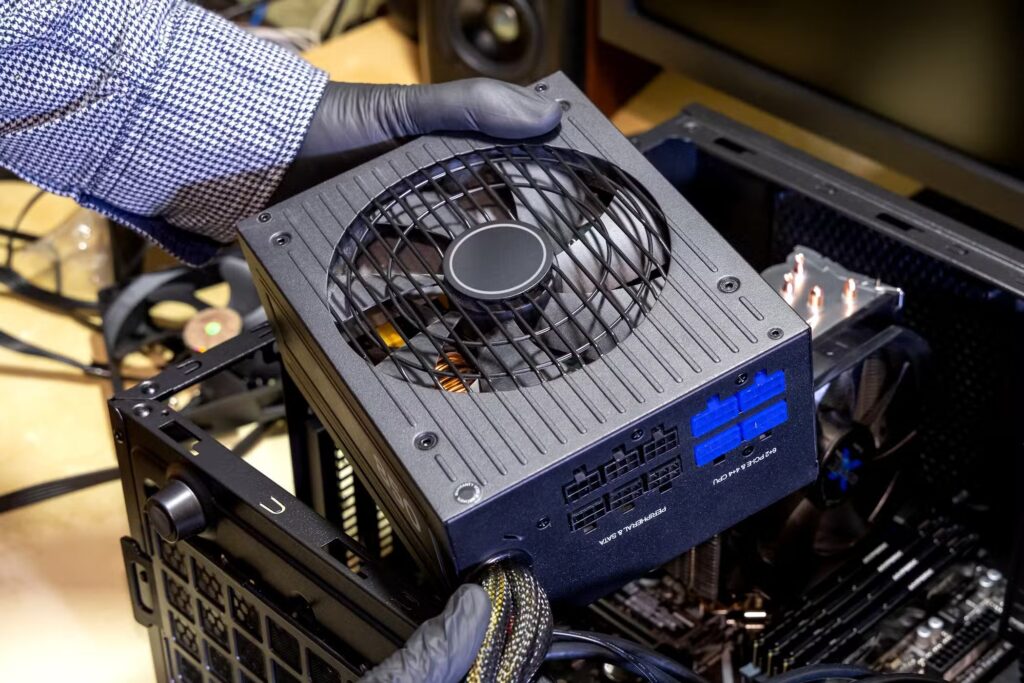
PSU Quick Picks
There are many power supply options available across different wattage levels and efficiency ratings, which can make choosing the right one difficult. To simplify the process, we’ve selected the most reliable PSU options for different gaming and performance builds.
The power supplies listed here are recommended for most PC builders, offering a strong balance of performance, efficiency, and long-term stability. These units are based on expert reviews, real-world testing, and our own hands-on experience, ensuring they meet the needs of almost every gaming setup.
We regularly update this list to reflect the latest availability, pricing trends, and new PSU releases, so you always get the most accurate and up-to-date recommendations for your build.